Start with the enclosure.
Place supported wireless temperature and humidity sensors in the zones you want to monitor, then assign them to your enclosure controller over Bluetooth. No sensor cable needs to run back to the controller.
 TERRARIUMLOGIC
HABITATS & HARDWARE
Explore how Terrarium Logic connects your enclosures, climate controls, and compatible equipment.
THE BIG PICTURE
Terrarium Logic brings the readings from your enclosure, the settings for your equipment, and your animal’s records into one place.
A compatible controller, wireless sensors, and connected equipment are required. Available features depend on the hardware and configuration, but all systems include monitoring of temperature and humidity in up to four separate zones, the ability to set schedules for temperature and light, and local storage of all data so you are in complete control of all data saved.
Place supported wireless temperature and humidity sensors in the zones you want to monitor, then assign them to your enclosure controller over Bluetooth. No sensor cable needs to run back to the controller.
Add your animals, set up supported climate controls and schedules, and choose the dashboard you want to use to monitor their environment, health and progress. Easily search records to find patterns or share health information with your veterinarian.
Check readings, review history, log care, and view a configured camera. Keep the day-to-day details together.
WIRELESS TEMPERATURE & HUMIDITY
Monitor up to four zones per enclosure with supported battery-powered Bluetooth sensors. Give each zone a name and check its readings in the app.
Supported wireless sensors use replaceable batteries. Battery life varies with temperature, battery quality, reporting behavior, and use. Check battery levels regularly rather than waiting for a calendar reminder.
Open Settings > Base station & access > BLE sensors for a base-wide list of battery levels, signal strength, and the age of each sensor's reports. The ESP32 section of Debug Info adds packet counts and connection details. Unknown values stay unavailable.
A low-battery indicator appears at 20% or less. It is shown in the sensor list; it is not a separate push notification. Keep sensors within Bluetooth range and away from direct heat or water outside their rated limits.
Add multiple enclosures and move between them with the app's enclosure selector. Keep conditions, controls, and care records organized around the habitat they belong to.
The base unit and multiple enclosure expansion path is in development: one shared base unit with a separate dedicated controller for each enclosure, so adding additional enclosures, each with their own settings, is easy and cost effective.
CAMERAS & RECORDING
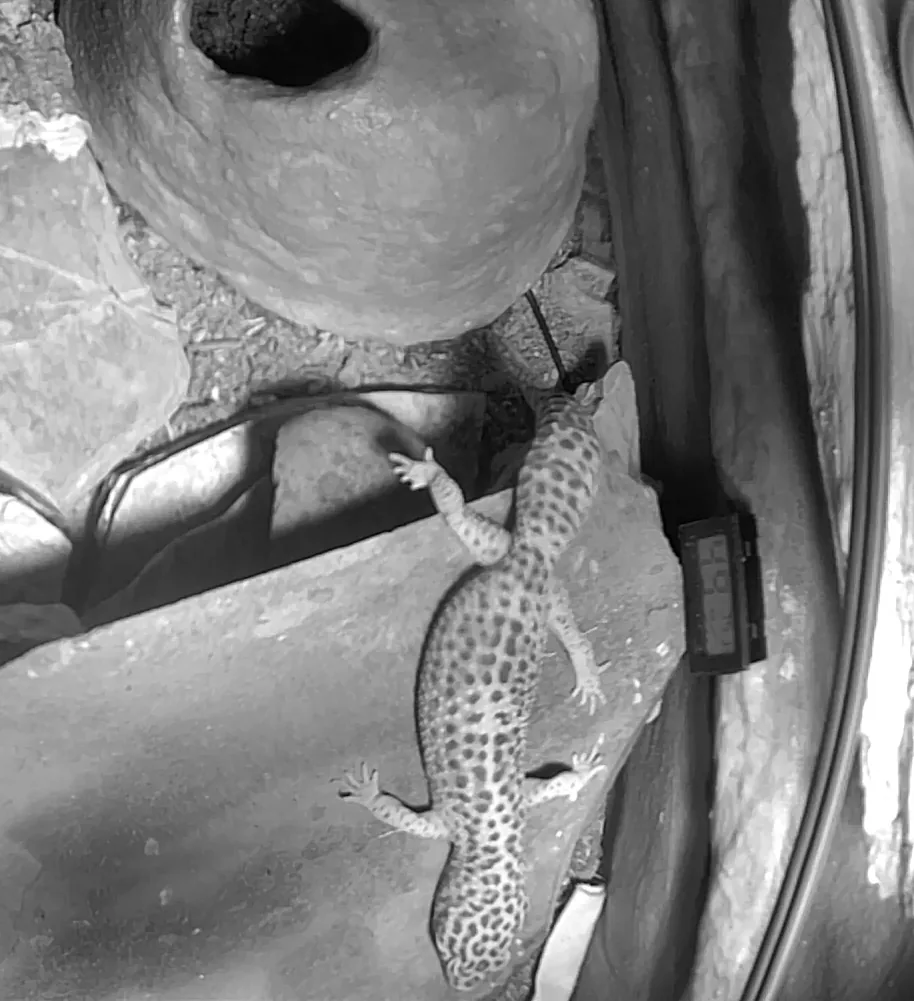
Many reptiles, leopard geckos included, do most of their exploring at dusk and through the night, long after you've stopped watching. Terrarium Logic cameras record the moments you'd otherwise miss.
POWER & ENERGY
See what every light and heater is using, dim heat and light precisely, and catch failing equipment before it becomes a problem.
Power readings need compatible Matter outlets that report power. Cost estimates come from recorded readings and aren't billing-grade.
A CONNECTION TO THEIR NATURAL HOME
Choose a weather location associated with your animal's natural habitat. Sync the enclosure's heating target with that location's outdoor temperature, within your configured limits, and sync its lighting schedule with sunrise and sunset there. Temperature matching and sunrise/sunset lighting can be enabled separately.
Temperature and light timing follow your selected location; rainfall and humidity are not automatically recreated. Live location data requires an internet connection and a configured weather service. Heating, light switching, and gradual dimming depend on compatible hardware.
Set a city or supported weather location for the habitat you want to reference.
See reported temperature, humidity, and weather conditions for that place.
Enable weather-based heating within your chosen limits, then choose sunrise/sunset lighting to follow the location's day length.